News
How to Use Pix in Argentina: Step-by-Step Guide Before Traveling

If you're about to travel to Brazil, one question comes up fast: how to pay without relying on cash or a Brazilian bank account. That's where Pix comes in.
It is the instant payment system of the Central Bank of Brazil and today it's very present in stores, restaurants, pharmacies, services, and many everyday expenses.
With belo, an Argentine can use Pix from the app without opening an account in Brazil. That makes an important part of the trip settled before leaving.
If your trip is already close, download the belo app and leave Pix ready before you travel.
What is Pix and why is it worth understanding before the trip?
Pix is a way to pay and transfer money in Brazil almost instantly. It lets you pay from your phone with a method that is already part of everyday life in Brazil.
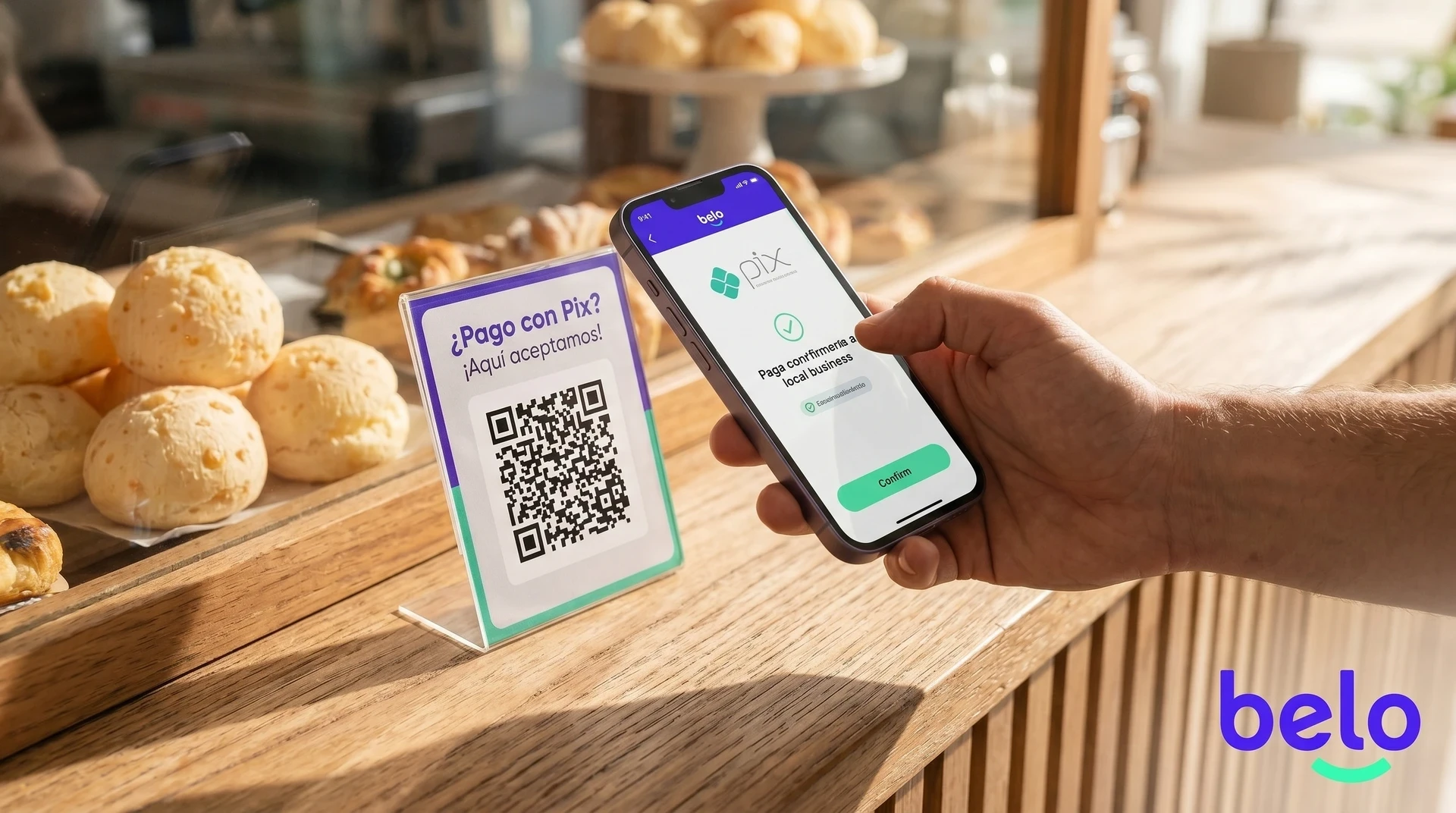
Before, for many Argentines, Pix seemed foreign because it was associated with a Brazilian bank account or a CPF. With belo, that changes. The process is handled from the app, without you having to open an account in Brazil to use it during the trip.
If you want to better understand how Pix works day to day in: Pix Brazil: what it is and how it works, you have a more complete guide about the system and its use on trips.
What do you need to have resolved before leaving?
The best way to use Pix in Brazil is not to wait until the airport to set it up. It's best to leave with the account ready and with the balance already sorted.
What to have ready | What it's for |
|---|---|
belo account created and verified | It saves you from dealing with verifications at the last minute |
Balance loaded in the app | Lets you pay as soon as you need to |
Data connection or Wi-Fi | You need internet to pay with QR or Pix key |
Check of limits and availability in the app | Helps you plan usage better during the trip |
How to activate Pix from belo step by step?
The process is done from the phone and it's best to leave it ready before traveling.
Download the belo app and create your account if you don't already have one.
Verify your identity with the information requested by the app.
Go to the Pix section within belo.
Follow the activation flow and accept the corresponding terms.
Once enabled, you can already use Pix to pay from the app.
The logic of the process is simple: first you get the account ready and then you use Pix when you arrive in Brazil. You don't need to resolve everything once you're at your destination.
How to pay with Pix in Brazil
When a business accepts Pix, payment is usually handled with a QR code or a Pix key. The general flow is this:
The business shows you a QR code or shares a Pix key.
Open belo and choose the option to pay with Pix.
Scan the QR code or enter the key.
Check the amount and the exchange rate before confirming.
Confirm the payment from the app.
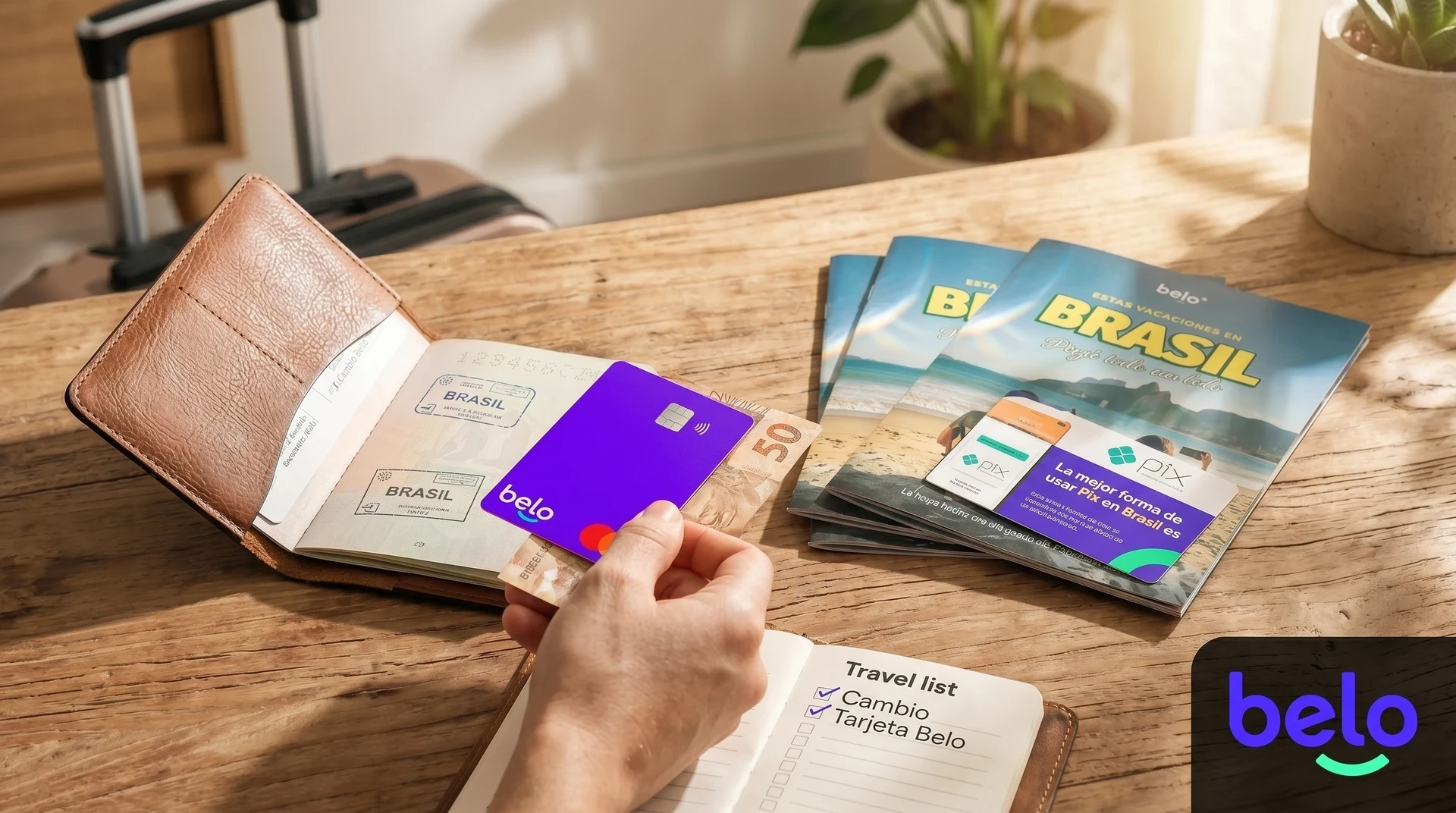
According to belo, when paying with Pix you can use Argentine pesos or cryptocurrencies such as USDT, USDC, BTC, ETH, or SOL. The amount is converted to reais within the app at the time of the transaction and you can review the exchange rate before confirming.
What to know about schedules, amounts, and real use
Pix works every day, including weekends and holidays. That makes it very useful for a trip because it doesn't depend on traditional banking hours.
Now, it shouldn't be written as if everything is identical in every case. In practice, there are issues it's always worth reviewing before you leave:
The limits may vary depending on your account or profile.
The availability of certain features may depend on the app settings.
Payments are usually processed very quickly, although occasional variations may exist.
It's worth checking the app before the trip to understand what amount or range you'll be moving with.
Common errors and how to solve them
This section adds much more than a general explanation, because several problems repeat during trips.
Common error | What usually happens | How to solve it |
|---|---|---|
The QR code doesn't work | It may be expired or poorly generated | Ask them to generate a new one |
You don't have enough balance | The payment doesn't complete | Check your balance before leaving or load funds |
You don't have a connection | You can't scan or confirm | Use mobile data or Wi-Fi |
The merchant asks for CPF | It may be for billing, not for Pix itself | Ask whether they can enter your passport details or continue without CPF |
The app shows a generic error | There may be a pending validation or a specific restriction | Close and reopen the app, and check support if it keeps happening |
What if you need to receive money via Pix?
If you also need to receive money via Pix, belo also offers Pix collection functions. The availability, limits, and conditions of that service may vary and are stated within the app.
It may be useful for splitting expenses or receiving funds during the trip, but it's best to review it as a separate feature.
Conclusion
Learning to use Pix before traveling to Brazil isn't a technical detail. It's a way to arrive with an important part of the trip already resolved.
With belo, the process becomes much simpler: you set up the account from the app, load balance, check the exchange rate before confirming, and use Pix when you need it. For an Argentine who wants to travel with less friction, that already solves a lot.
If you're about to leave, download the belo app , activate Pix, and leave the account ready before the trip.
Frequently asked questions about how to use Pix in Argentina
Do I need to have a Brazilian CPF to use Pix with belo?
You don't need to open a bank account in Brazil or have CPF to pay with Pix from belo.
Can I use Pix on weekends and holidays?
Yes. Pix works every day, including weekends and holidays.
What do I do if the QR code doesn't work?
The most common thing is that it has expired. Ask the business to generate a new one and try again.
Can I receive money via Pix while I'm in Argentina?
belo also offers Pix collection functions, but it's worth checking within the app what availability, limits, and conditions apply to your account.
Is it worth activating Pix before traveling?
Yes. The most practical thing is to leave with the account verified, balance loaded, and the feature already checked before arriving in Brazil.