News
What is beautiful and what is it for?
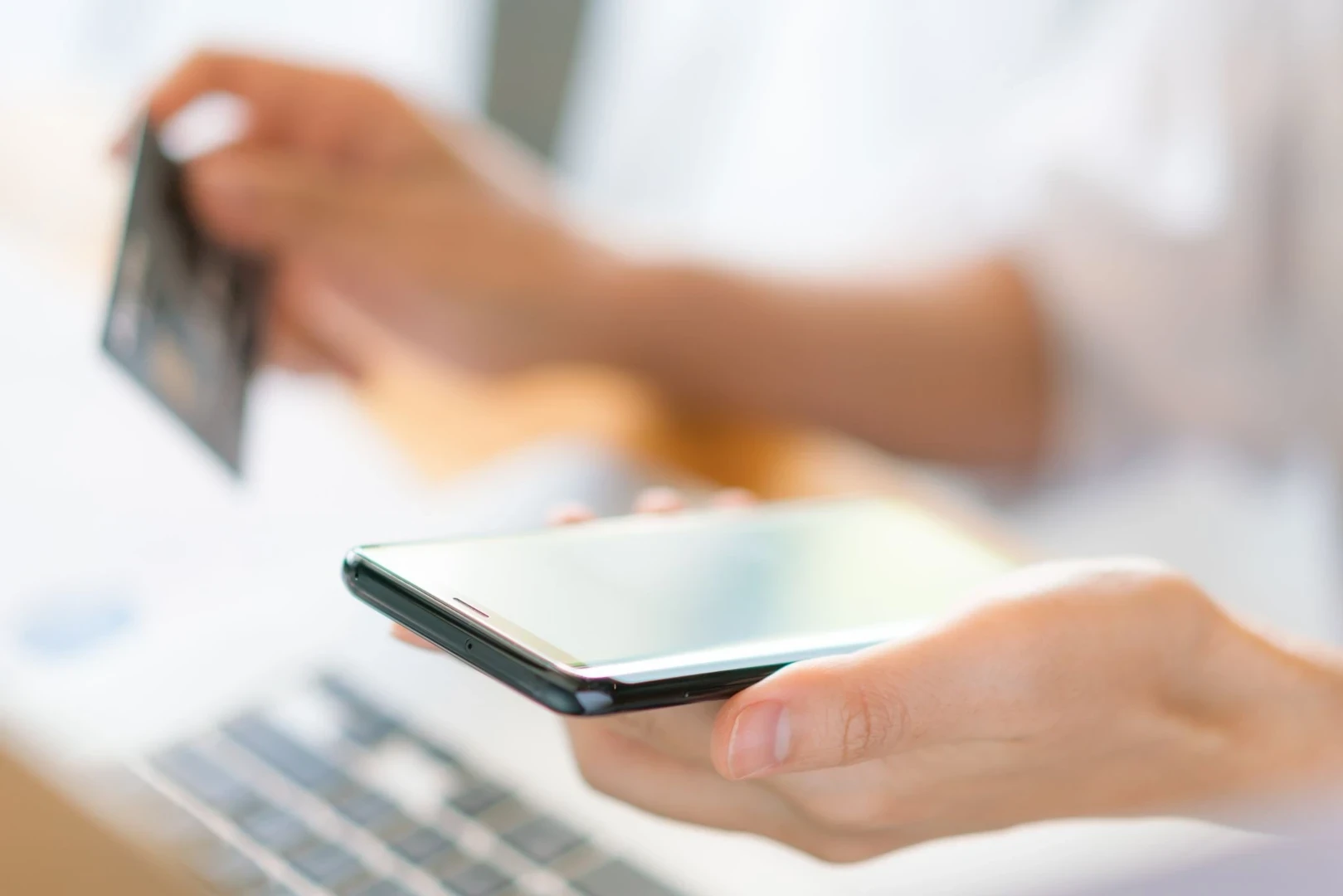
Belo is a digital wallet designed for those who need to move money between currencies, countries, and different payment methods, all through a single app.
With belo, users can track their balance, convert currencies, make payments, use Pix in Brazil, and pay via QR in Latin American countries, depending on availability for each account and country.
The app can be useful for travel, international payments, digital purchases, receiving funds from abroad, and for anyone seeking greater financial mobility in their daily life.
Before conducting any transaction, it is advisable to check the available currencies, exchange rates, costs, and conditions displayed in the app.
What is belo?
Belo is a financial app created for those who need to handle money more flexibly, either locally or internationally. Generally speaking, belo can help you to:
Track your balance and transactions
Convert currencies within the app
Make digital payments
Use Pix in Brazil
Pay via QR in Latin American countries, when available
Check receipts and transaction history
Review exchange rates, costs, and conditions before confirming transactions
Features may vary depending on the country, account, jurisdiction, and availability within the app.
What can belo be used for?
Belo can be useful for different everyday situations, especially for those who need to manage payments, currencies, and international transactions with greater convenience. Possible uses include:
Converting balances between currencies
Making digital or in-person payments
Using Pix in Brazil
Paying via QR in Latin American countries
Receiving money from abroad, subject to account availability
Tracking history and receipts
Reviewing costs, exchange rates, and conditions before moving balances
The ideal use depends on your routine.
Travelers may search for a more practical way to pay abroad. International workers may need to track receipts and conversions. Digital shoppers may want to check the currency, exchange rate, and final amount before paying.
What to check before using belo?
Before using any financial feature in the app, it is important to review the information displayed on screen.
This helps you understand which balance will be used, whether a conversion will occur, what costs may apply, and what conditions govern the transaction.
Check:
Which features are enabled for your account
Which currencies are available
Which balance will be used
If there will be a currency conversion
What exchange rate is shown before confirmation
What costs or fees may be applied
Whether there are limits on the transaction
If the transaction generates a receipt
What conditions appear before confirming
These points help you use the app with greater transparency.
How can belo help with payments and purchases?
Belo can offer alternatives for digital or in-person payments, according to the features available for each account and country.
Before paying for a local, international, or digital purchase, review the method used, the currency, the available balance, the exchange rate, the costs, and the conditions displayed before confirmation.
Situation · What to check
Digital purchase: Currency, payment method, costs, and final value
Travel: Country, enabled payment methods, balance, and conversion
Local payment: Accepted method, balance used, and receipt
Payment in another currency: Exchange rate, costs, limits, and conditions
International subscription: Billing currency, method used, and possible costs
The most important thing is to understand how the transaction will be processed before confirming.
How can belo help when traveling?
When traveling, belo can help users convert balances in the app and use digital payment options in different Latin American countries, depending on availability for each account and region.
Depending on the country, it may also be possible to pay via QR directly from your cell phone, in a way similar to using Pix in Brazil.
Before traveling, please review:
available currencies
enabled payment methods
balance used
displayed exchange rate
applicable costs and limits
Having more than one form of payment remains important during your trip.
How can belo help those receiving funds from abroad?
Anyone receiving money from abroad needs to track more than just the sent amount. The final value can depend on the receiving method, currency, conversion, costs, processing times, and the conditions of the account used to move the balance.
On belo, you can track within the app the options for receiving, converting, and moving money locally or internationally, according to the features enabled for your account.
On belo, users can track within the app the options for receiving, converting, and moving money locally or internationally, according to the features enabled for each account.
The available histories and receipts can also help arrange day-to-day transactions.
What to consider about Pix in Brazil?
Pix can be a convenient option for payments in Brazil when the feature is available for your account.
Before using it, review in the app how the payment will be made, which balance will be used, whether there will be a conversion, which amounts appear before confirmation, and if the transaction generates a receipt.
Practically, check:
If the feature is enabled for your account
Which balance will be used
If there will be currency conversion
What value appears before confirming
If there are any applicable costs or limits
If the payment generates a receipt
What conditions appear on the screen
This helps to avoid doubts at the moment of payment.
How to compare alternatives before choosing?
Each app, bank, digital wallet, or platform may have different features, costs, and conditions.
Instead of comparing just names, the most useful thing is to review available currencies, payment methods, costs and exchange rates, supported countries, account limits, available receipts, and conditions displayed before operating.
Need · What to check
Travel: Country, currencies, QR, availability, and costs
International payments: Method, exchange rate, currency, and receipts
Receiving money: Required data, limits, and conversions
Digital purchases: Billing currency, final value, and payment method
Benefits: Country, availability, validity, and terms of use
The best choice depends on your needs and the features available for your account.
What to consider about security?
When using any financial app, it is important to protect your data and review information before confirming transactions.
Some simple precautions can help:
Only use official channels to download the app
Keep your details protected
Do not share verification codes
Review amounts and recipients before confirming
Keep the app updated
Keep transaction receipts
It is also worth checking what security features are available for your account.
What to consider about costs and documentation?
Receiving, converting, paying, or moving money can involve costs, taxes, or regulatory charges depending on the country, currency, account, and type of transaction. Before confirming, review the values displayed on the screen and keep your receipts.
For records, it may be useful to keep:
Payment receipts
Proof of receiving funds
Conversion receipts
Date of transactions
Value and source currency
Value and destination currency
Costs or charges displayed
Details of the platform or method used
If there are tax, regulatory, or accounting questions, please consult a specialized professional or official source.
Conclusion
Belo can be an alternative for anyone seeking greater financial mobility on a daily basis.
Through the app, you can track your balance, convert currencies, use Pix, pay via QR in Latin American countries, and move money according to the features available for each account and country.
Before conducting any transaction, review available currencies, exchange rates, costs, and conditions displayed on the screen.
Understanding how money flows is an important part of using any financial solution with greater clarity.
Frequently asked questions
What is belo?
Belo is a digital wallet used to track balances, convert currencies, make payments, and move money locally or internationally through the app.
What is belo used for?
Belo can be used for payments, conversions, Pix, QR in Latin America, international receiving, and financial transactions through the app.
Can belo be used when traveling?
Yes. Belo can help travelers in Latin America convert balances in the app and use digital payment methods during their trip, depending on availability for their account and country. In some destinations, it may also be possible to pay via QR directly from your phone, in a way similar to Pix in Brazil.
Before traveling, review payment methods, balances, exchange rates, costs, and conditions.
Does belo allow payments with Pix in Brazil?
Pix may be available depending on your account and the conditions displayed in the app. Before paying, review which balance will be used, whether there will be a conversion, which values appear on the screen, and if the transaction generates a receipt.
Does belo replace a traditional bank account?
Not necessarily. Banks, digital wallets, apps, and platforms may have different features, rules, and limits. Before using, review what the solution allows you to do and what conditions apply.
Does belo have costs?
Costs may vary depending on the transaction, currency, country, and conditions displayed before confirmation.
How do I know if a feature is available for my account?
The safest way is to review the options displayed in the app and consult belo's official channels if in doubt.
Continue exploring
For freelancers: how to reduce stress and increase productivity
Freelancer world

Spring in Argentina: 5 places that look even more beautiful this season
For travelers

3 All-Inclusive Resorts with Kids Club for Family Vacations
For travelers