News
Card machine scam: how to avoid the most common fraud when paying with Pix in Brazil
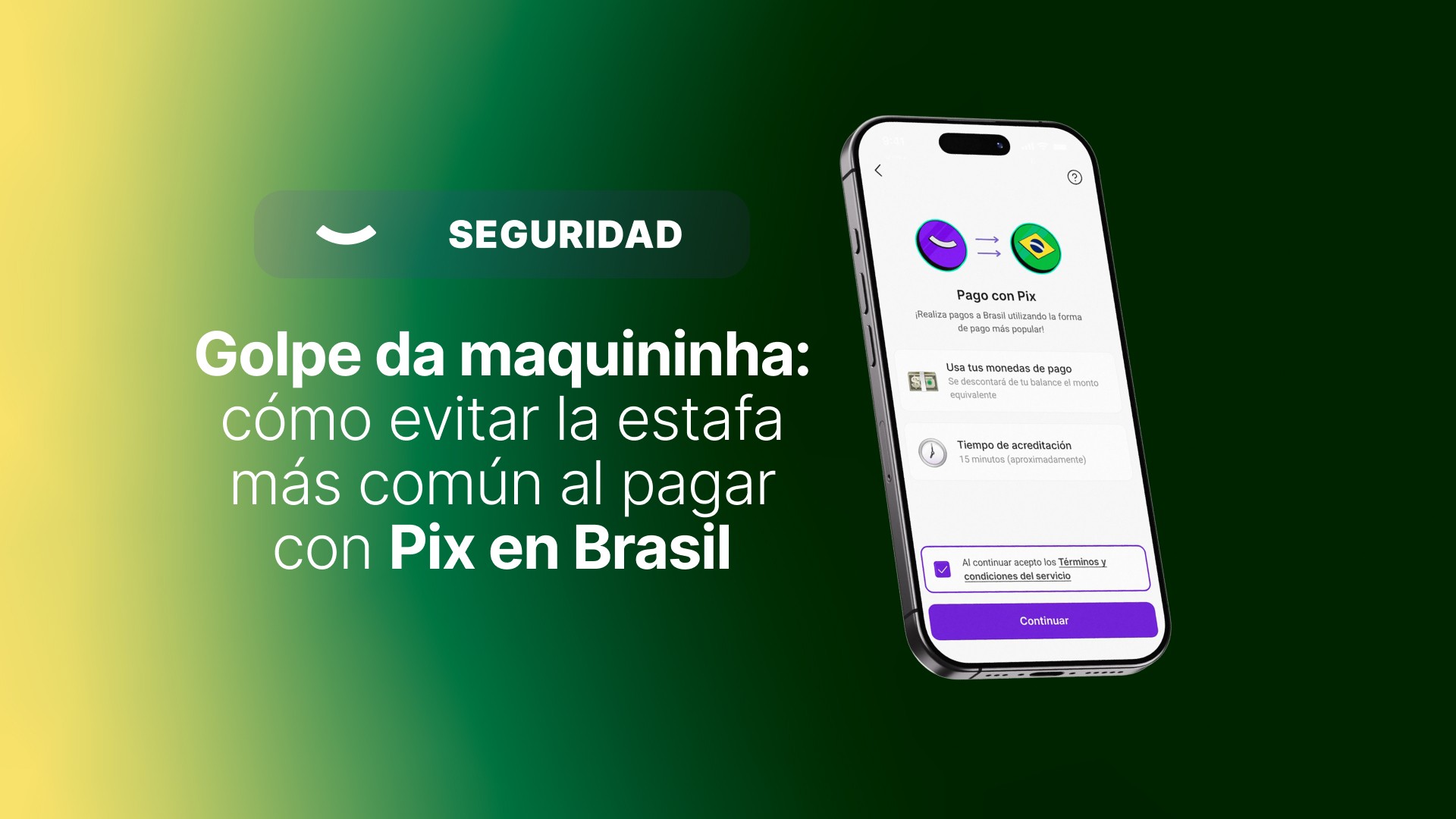
Guide to avoiding the "golpe da maquininha" when paying with Pix in Brazil. Learn about the most common scams, how to prevent them, and what to do if it happens to you while paying with Pix from belo.
Pix in Brazil: practical and safe if you know what to look for
If you are in Brazil—or are about to travel—it is very likely that you will pay with Pix.
Pix is the instant payment system of the Central Bank of Brazil: it works by scanning a QR code, entering an amount, and confirming from your cell phone.
It is fast, simple, and everywhere.
As with any widely used payment method, it is a good idea to know some of the scams circulating in tourist areas to avoid them and pay with peace of mind.
In this guide we will tell you:
— what the golpe da maquininha is
— what other scams pose as Pix
— how to prevent them in seconds
— and what to do if something goes wrong
What is the "golpe da maquininha"?
It is a common scam in beaches and tourist areas.
It works like this:
You buy something cheap.
At the moment of paying, someone distracts you (sometimes there is an accomplice).
Meanwhile, they modify the amount on the terminal.
You end up approving a purchase much more expensive than agreed.
That second of review is the best way to avoid incorrect charges.
If they rush you, slow down. If they talk to you while you are paying, look at the number again.
Watch out: scams that "disguise" themselves as Pix
In addition to the golpe da maquininha, there are variations that are worth keeping on your radar.
1) Fake "support" via WhatsApp
They write to you with logos and messages that look official:
— "technical problem"
— "security verification"
— "preventive block"
The goal is to ask for your details and take control of your account.
2) QR code that makes you install an app
They offer you "benefits for tourists" and ask you to scan a QR code to download an app.
⚠️ Risk: it may install malicious software.
Remember:
— Pix does not require downloading its own app
— avoid installations from unknown links or QR codes
Quick checklist: 30 seconds before paying
Commit this to memory 👇
1. Read the amount calmly
If they rush you or try to distract you, slow down and look at the number again.
2. If the screen looks strange, change the method
Dark, broken screens or requests to "retry" are common signs of scams.
3. Let no one pay for you
If you use a card, do not hand it over: bring it close or insert it yourself.
If it happened to you: what to do without wasting time
1) Save evidence
If you can, keep the receipt, a screenshot of the transaction, and the merchant's details (name, location, date, and time).
2) Contact support from the belo app
Whether the payment was made with a card or with Pix, the first step is the same.
From the belo app:
→ tap your profile
→ go to the Help Center
There you will be able to communicate with official support and receive assistance depending on the case.
3) Depending on the payment method
— If it was with a card:
In belo there is a process to dispute charges. From the Help Center you will be able to report the card and file the corresponding claim.
— If it was a Pix payment:
The support team will guide you through the steps to follow and review the transaction through official channels.
In all cases, you are not alone: there is a team available to help you.
Paying with Pix in Brazil with belo: simple, clear, and supported
belo is an Argentine app, designed so that Argentines can travel and pay in Brazil like a local.
We were the first application to launch Pix for Argentines, and that experience allows us today to offer a simple, transparent payment method with real support.
How does it work?
— Deposit pesos or dollars into your belo account
— Travel to Brazil
— Pay with Pix at any merchant that accepts it
At the moment of paying:
— you scan a Pix QR code or send money via CPF, email, or phone number
— the balance is converted to reais instantly
— you see exactly how many pesos it equals before confirming
That review step is key: it gives you control and allows you to pay with peace of mind, without surprises.
If you want to know more about how Pix with belo works, click here and access all the information about belo Pix.
Frequently Asked Questions
Does Pix require downloading a special app?
No. Pix does not require installing its own apps. Beware of QR codes or links that ask for downloads, you only need the belo app.
What do I do if I see a charge I do not recognize?
Go to the Help Center from the belo app (profile → Help Center) and contact support to receive assistance based on the type of payment.
(*) The information in this article is for informational purposes only and does not constitute legal or professional advice.