News
Automatic savings: how to set aside money every month without thinking about it
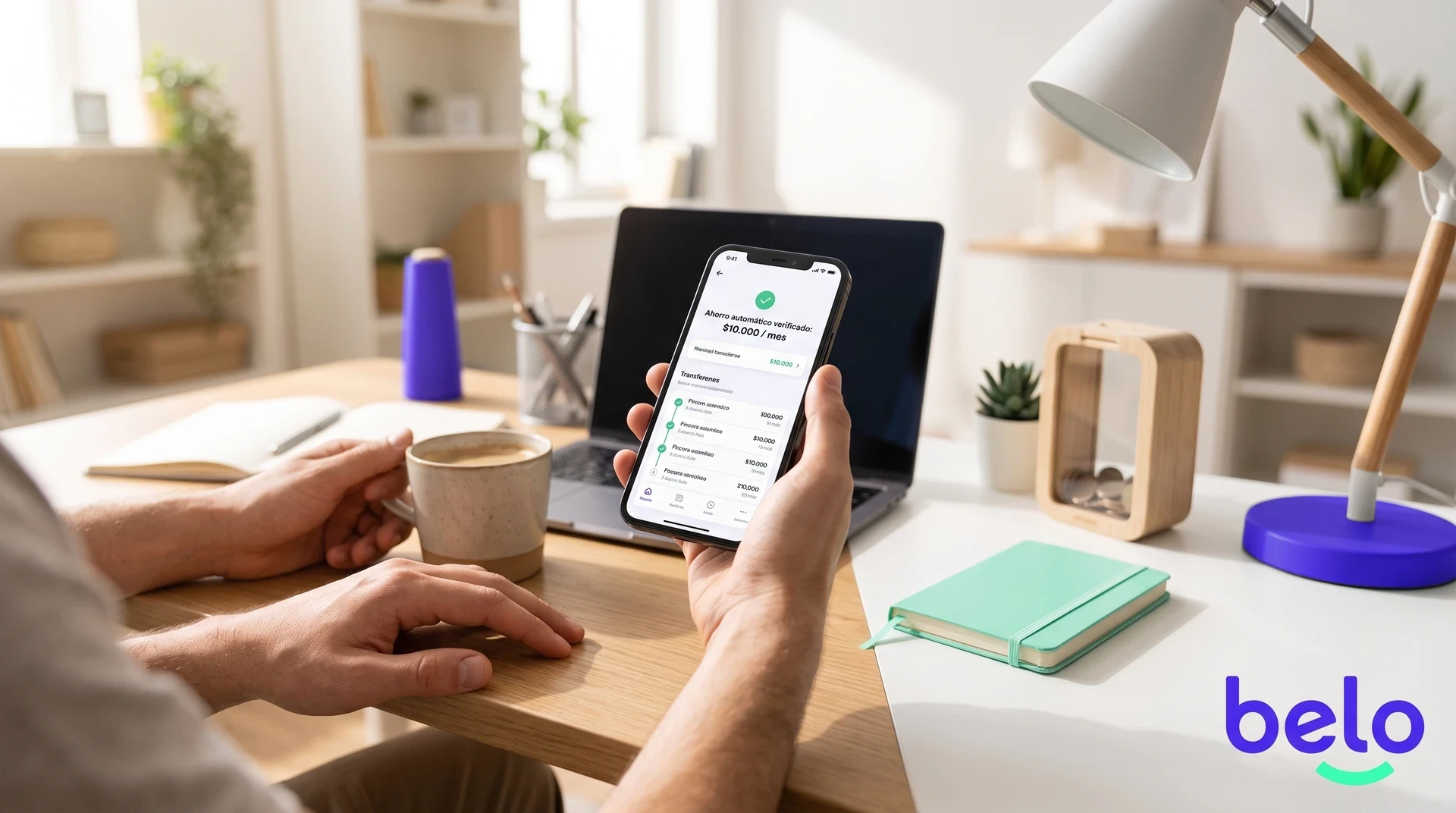
Almost everyone starts the month with the idea of setting something aside and ends up without a single penny saved, not due to a lack of income but because saving depends on remembering and deciding each time.
This guide explains how automatic saving removes that decision from the equation and how to set it up so it works effortlessly.
Download the belo app and set up your first automatic savings according to your account and current conditions.
The trap of relying on memory
Each month starts with the intention of setting something aside and ends without a single penny saved. It is not a lack of income or intention, but rather that saving competes with everything else that demands attention during the month, and it almost always loses.
Research in behavioral economics has shown the same thing for decades: when saving depends on an active decision, most people postpone it indefinitely.
The concept of "paying yourself first" reverses that logic. Instead of saving what is left at the end of the month (which is almost never anything), you set aside a fixed amount before spending.
That idea works well in theory, but in practice, it still requires you to remember, log into the app, and make the transfer.
Each of those steps is an opportunity for inertia to win. You can check the options for saving in dollars according to your account and current conditions.
Automatic saving eliminates all those steps. You set up a rule just once (how much, in which currency, how often) and the system executes the transaction without you having to intervene.
Your decision stops repeating every week or every month because you compiled it once. What changes is not the amount of money available, but who bears the burden of acting: instead of you, it is the rule.
Three decisions that define everything
If you have never saved systematically, a good starting point is between 5% and 10% of your monthly income.
There is no mandatory minimum in most apps that offer this feature, so you can start with lower amounts if you need to test it out before committing.
The frequency of the deposit has more of an impact than it seems. Let's compare this with a goal of USD 600 a year.
Comparison of frequencies for an annual goal of USD 600
Frequency · Amount per deposit · Impact on cash flow
Monthly · USD 50 · One large transaction every 30 days
Biweekly · USD 25 · Aligns with those who get paid twice a month
Weekly · USD 11.50 · The impact is diluted because each withdrawal is smaller
The final amount is the same, but the savings experience changes depending on how you distribute the outflow of money.
The choice of currency is strategic. If your goal is an overseas trip in six months, accumulating in local currency can leave you exposed to devaluation.
Automatically converting to dollars or stablecoins with each deposit secures the value of what you save and averages the exchange rate without you having to track rates.
At belo we designed exactly this logic. You choose the amount, the currency (dollars, stablecoins, or pesos), and the frequency (daily, weekly, or monthly), with no minimum or maximum restrictions.
Once you activate the rule, every purchase is executed automatically. If you need to pause, edit the amount, or cancel, you can do so at any time from the app.
Micro-strategies that add up without the pain
The automatic rule is the engine, but there are complementary tactics that accelerate the process without increasing the effort.
Tactics that reinforce the habit
Transferring a fixed percentage as soon as you receive an income, before the money gets mixed with the flow of expenses, ensures that saving happens when your balance is at its highest. If you get paid on Fridays, scheduling the automatic purchase for that same day or the next works very well.
Mental rounding turns every expense into a small contribution: you round to the next multiple of 10 or 100 and add the difference manually to your savings. A 4.70 coffee becomes 5, and that 0.30 goes into the fund.
Cumulatively over 20 or 30 transactions a month, this can add between USD 5 and USD 15 extra without you feeling the impact.Maintaining the flexibility to pause or adjust the rule is key because circumstances change and a good automatic savings system has to adapt to them. You are not signing a contract or committing to a minimum stay period.
When to review and how to know if it is working
The worst mistake after setting up automatic savings is never looking at it again. A review every three months is enough to evaluate if the amount is still reasonable in relation to your income and expenses.
If your income went up, increasing the amount by 10% or 20% maintains the accumulation pace without creating a sudden change.
If you are going through a difficult month, lowering the amount temporarily is better than canceling the rule and losing the habit.
To measure progress, the most useful thing is to compare your accumulated balance against your goal and calculate how many weeks or months are left at the current pace. This concrete visibility is much more motivating than a loose figure in an account.
The ideal time to start programmed savings is now, because the system accumulates more the sooner it is activated.
You can set up your first rule in the belo app in less than two minutes, choosing the amount that fits your reality and the currency that makes sense for your next goal.
Frequently asked questions about automatic savings: how to set aside money each month without thinking about it
With how much money is it advisable to start saving automatically?
There is no mandatory minimum on most platforms. A reasonable starting point is between 5% and 10% of your monthly income, although you can start with lower amounts if you prefer to test the system before committing to a larger amount.
What happens if I don't have enough to save what I programmed one month?
Lowering the amount temporarily is much better than canceling the rule entirely, because losing the habit is the main risk. Automatic savings platforms allow you to pause or edit the rule at any time from the app.
Why is it advisable to save in dollars or stablecoins instead of local currency?
If your goal involves spending in foreign currency, such as a trip abroad, accumulating in pesos exposes you to devaluation during the savings period. Automatically converting to dollars or stablecoins with each deposit secures the value of what you save and averages the exchange rate over time.
How often should I review my automatic savings rule?
A review every three months is sufficient for most people. This interval allows you to detect if the amount no longer fits your current income or expenses, without falling into the opposite extreme of checking it so often that it becomes another attention burden.
Does automatic saving replace having a monthly budget?
It does not replace it, but it reduces dependence on the willpower that a traditional budget requires. By separating savings before spending, the rest of the monthly flow already reflects what you actually have available to spend, making any budget easier to sustain.


